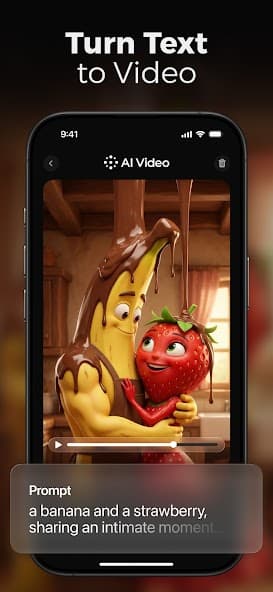
Text to video
Turn a written idea into short-form scenes built for fast mobile publishing.
 AI Videoby HubX
AI video generator for mobile creators
AI Video brings prompt-based generation, image animation, viral styles, and fast mobile exports into one creator workflow built with the HubX mindset: design, build, launch, scale.
Idea forge
Turn a written idea into short-form scenes built for fast mobile publishing.
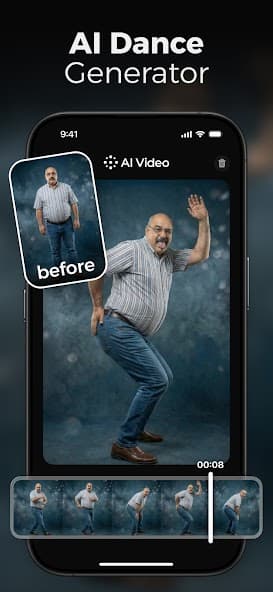
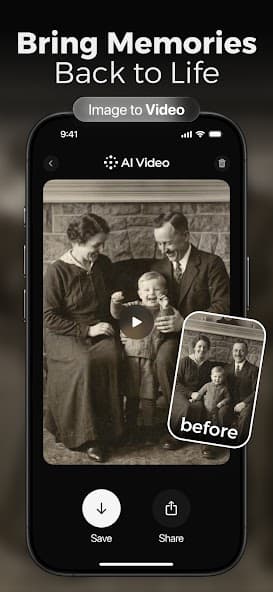
Animate images into motion-led stories, trend formats, and share-ready clips.
Choose cinematic, social, product, memory, dance, and viral visual directions.
Create vertical videos ready for Reels, TikTok, Shorts, launches, and messages.
Launch map
AI Video keeps the workflow simple while giving creators a reliable path from idea to rendered clip, without a complex editing timeline.
Write the scene, upload a photo, or choose a ready-made direction.
Let AI Video create motion, framing, timing, and a complete first cut.
Preview variations, save the strongest result, and keep building momentum.
Export HD mobile videos for social channels, campaigns, and personal stories.
Made for social velocity
Create animated scenes, transform photos, test viral concepts, and export mobile-first videos for the channels where attention moves fastest.
Care desk
App purchases, trials, and subscriptions are processed by Apple App Store or Google Play. Refund eligibility and billing changes are handled from the store account used for purchase.
Open AI Video, go to Profile or Settings, choose Account, then use Delete Account. If you cannot access the app, use the support option listed on the store page.
Download